
How to ship
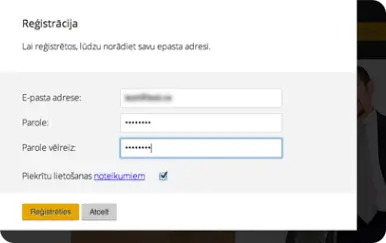
Register
Registration takes only a few minutes. You will need an email address to receive instructions on how to confirm your registration.
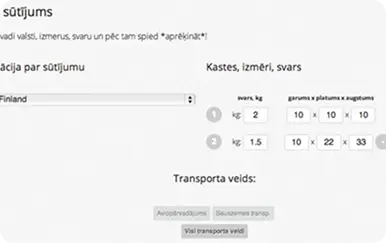
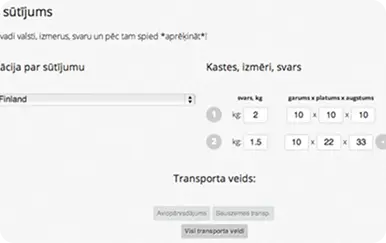
Specify shipment details and country
In the “New Shipment” section, enter the destination country, dimensions, etc., then choose from the available services and rates, and provide the recipient’s address.
Shipping documents
In the “My Shipments” section, select your shipment and under “Files”, print the shipping labels (file named “label”). You must provide 3 copies of the shipping document (label): one attached to the shipment and two for the courier.
Billing details and invoices
If you haven’t already, please update your information under My Data -> Legal Entity / Private Individual with your full name (this information is required for invoicing). Also, please provide the actual pickup address if it differs from your legal address. You will receive the invoice as a PDF via email.
All set!
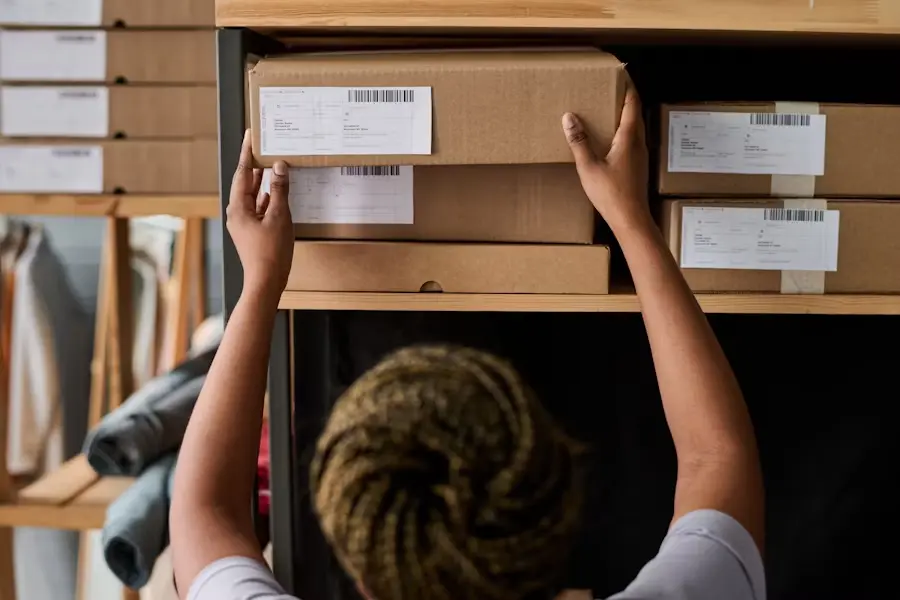
Please wait for a Sūti.lv representative to contact you to arrange the shipment pickup. Once the shipment has been handed over to the administration, you can track its delivery progress in the “My Shipments” section.